
JavaScript

Last updated: 2025-01-07 15:20:40
Feature Overview
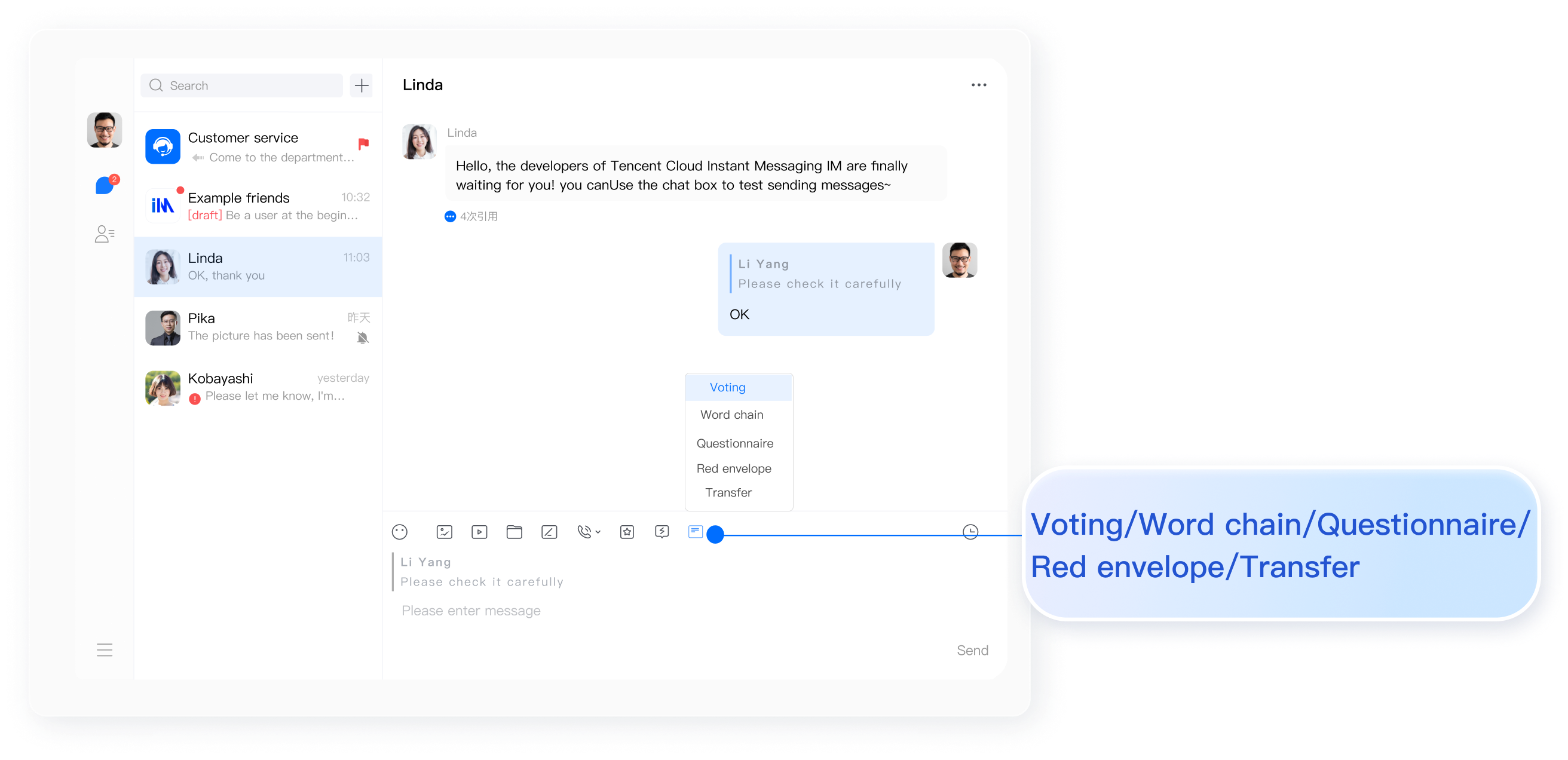
Message extension allows you to configure keys and values for messages to implement polling, group notices, survey and other types of messages.
In a voting scenario, we can first use the
createCustomMessageAPI to create a custom message for voting, where data stores the voting title and options. Then, use the message extension key to store the voting user ID and the message extension value to store the voting user's option. With each user's voting option, we can dynamically calculate the user proportion for each voting option.In chain reaction scenarios, we can first create a custom message for chain reactions through the
createCustomMessageAPI, where data stores the title of the chain reaction. Then, use the message extension key to store user IDs and the message extension value to store the chain reaction information.In questionnaire survey scenarios, we can first create a custom message for surveys via the
createCustomMessageAPI, where data stores the title and options of the survey. Then, use the message extension key to store respondent IDs and the message extension value to store survey information.Indication
1. This feature is only available to Advanced Edition customers, purchase the Premium Edition to use.
2. This feature needs to be enabled in the Chat Console. Path to toggle: Applications > Your App > Chat > Configuration > Login and Message > Set message extension.
3. The extension key supports up to 100 bytes, the extension value supports up to 1KB, a maximum of 20 extensions can be set at once, and a single message can have up to 300 extensions.
4. When multiple users set the same extension key simultaneously, only the first user can succeed. Other users will receive an error code 23001 and the updated extension information. Upon receiving the error code and latest extension information, please re-initiate the setting operation as needed.
5. It is recommended that different users set different extension keys to avoid most conflicts in scenarios like voting, chain reaction, and questionnaire surveys. Each user can use their own userID as the extension key.
6. This feature is not supported in Live Broadcast Groups (AVChatRoom) messages.
7. Community and Topic support message extensions.
UI Display
setMessageExtensions
Calling the
setMessageExtensions interface can set message extensions. If the extension key already exists, it modifies the extension value. If the extension key does not exist, it adds a new extension. Once successfully set, both the sender and the recipient (C2C) or group members (Group) will receive the TencentCloudChat.EVENT.MESSAGE_EXTENSIONS_UPDATED event.API
chat.setMessageExtensions(message, extensions);
Parameters
Parameter | Type | Description |
message | Message | Message instance, three conditions to be met: The message's isSupportExtension attribute must be trueThe message must be sent successfully The message cannot be an AVChatRoom message |
extensions | Array | Message extension key-value list: if the extension key exists, update its value; if it doesn't exist, add new extensions. |
Return value
PromiseExamples
let promise = chat.setMessageExtensions(message, [{ key: 'a', value: '1' }, { key: 'b', value: '2' }]);promise.then(function(imResponse) {// Set message extensions successfullyconst { extensions } = imResponse.data;extensions.forEach((item) => {const { code, key, value } = item;if (code === 23001) {// Key conflict detected. Please retry as needed based on the returned latest extension info}});}).catch(function(imError) {// Failed to set message extensionsconsole.warn('setMessageExtensions error:', imError);});
getMessageExtensions
Call the
getMessageExtensions API to get the message extension list.API
chat.getMessageExtensions(message);
Parameters
Parameter | Type | Description |
message | Message | Message instance, three conditions to be met: The message's isSupportExtension attribute must be trueThe message must be sent successfully The message cannot be from a live broadcast group (AVChatRoom) |
Return value
PromiseExamples
let promise = chat.getMessageExtensions(message);promise.then(function(imResponse) {// Got message extensions successfullyconst { extensions } = imResponse.data;extensions.forEach((item) => {const { key, value } = item;// key - Message extension key// value - Value corresponding to the message extension key});}).catch(function(imError) {// Failed to get message extensionsconsole.warn('getMessageExtensions error:', imError);});
deleteMessageExtensions
Call the
deleteMessageExtensionsAPI to delete specified message extensions. If the keyList field is not provided, all message extensions will be cleared. After successful deletion, both you and the other party (C2C) or group members (Group) will receive the TencentCloudChat.EVENT.MESSAGE_EXTENSIONS_DELETED event.API
chat.deleteMessageExtensions(message, keyList);
Parameters
Parameter | Type | Description |
message | Message | Message instance, three conditions to be met: The message's isSupportExtension attribute must be true The message must be sent successfully The message cannot be from a live broadcast group (AVChatRoom) |
keyList | Array | undefined | Message extension key list. |
Return value
PromiseExamples
// Delete message extension keylet promise = chat.deleteMessageExtensions(message, ['a', 'b']);promise.then(function(imResponse) {// Deleted message extensions successfullyconst { extensions } = imResponse.data;extensions.forEach((item) => {const { code, key, value } = item;if (code === 23001) {// Delete key conflict detected. Please retry as needed based on the returned latest extension info}});}).catch(function(imError) {// Failed to delete message extensionsconsole.warn('deleteMessageExtensions error:', imError);});
// Clear all message extension keyslet promise = chat.deleteMessageExtensions(message);promise.then(function(imResponse) {// Cleared message extensions successfullyconsole.log('deleteMessageExtensions ok:', imResponse)}).catch(function(imError) {// Failed to clear message extensionsconsole.warn('deleteMessageExtensions error:', imError);});
Message extension updated
When a message extension is added or updated, the SDK will dispatch the
TencentCloudChat.EVENT.MESSAGE_EXTENSIONS_UPDATED event. You can get the updated key-value information in the registered callback.Examples
let onMessageExtensionsUpdated = function(event) {const { messageID, extensions } = event.data;// messageID - Message ID// extensions - Message extension informationextensions.forEach((item) => {const { key, value } = item;// key - Message extension key// value - Value corresponding to the message extension key});};chat.on(TencentCloudChat.EVENT.MESSAGE_EXTENSIONS_UPDATED, onMessageExtensionsUpdated);
Message extension deleted
When a message extension is deleted, the SDK will dispatch the
TencentCloudChat.EVENT.MESSAGE_EXTENSIONS_DELETED event. You can get the deleted key in the registered callback.Examples
let onMessageExtensionsDeleted = function(event) {const { messageID, keyList } = event.data;// messageID - Message ID// keyList - List of deleted message extension keyskeyList.forEach((key) => {// console.log(key)});};chat.on(TencentCloudChat.EVENT.MESSAGE_EXTENSIONS_DELETED, onMessageExtensionsDeleted);
Was this page helpful?
You can also Contact Sales or Submit a Ticket for help.
Yes
No
Feedback