
Sign in to Partner Center

Last updated: 2025-11-19 11:00:58
Prerequisites
Partners must meet the following conditions to log in to Partner Center.
1. Completed the partner admission process. Please refer to register as a distributor or reseller, register as a second-level reseller.
2. Signed the distribution contract. Please refer to contract management.
Operation Steps
1. Enter Tencent Cloud Official Website and log in with a partner account.
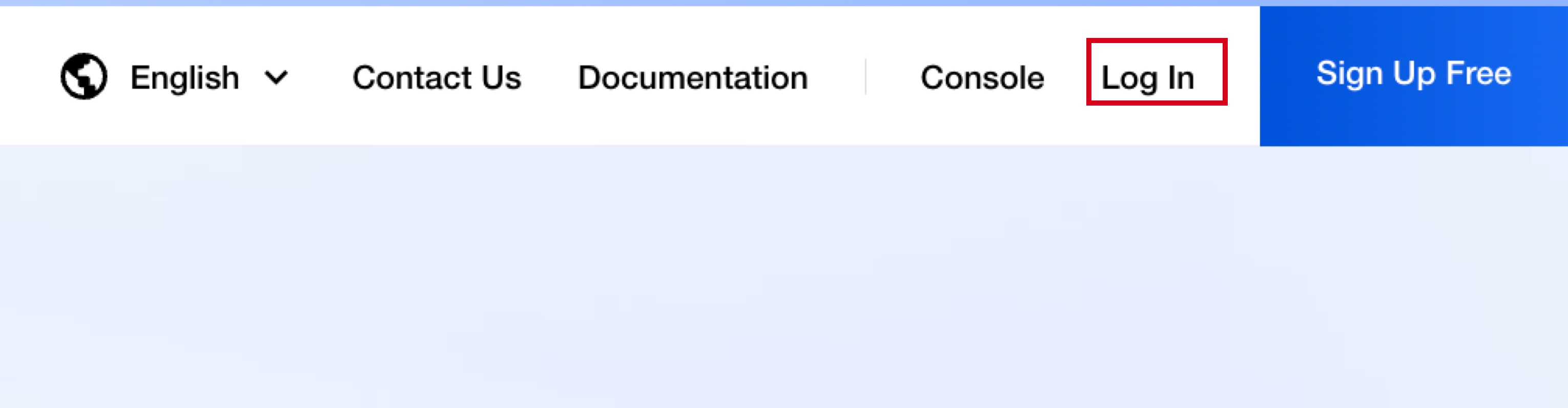
2. Upon successful log-in, click Console in the upper right corner.

3. After entering the console homepage, the login entry may vary based on reseller identity.
If you are not a second-level reseller, hover over the account name, click Channel Management to enter the Partner Center console.

If you are a second-level reseller, click Enter Console under Partner Center to go to the Partner Center console.

Was this page helpful?
You can also Contact Sales or Submit a Ticket for help.
Yes
No
Feedback