When an account needs to be needs to be managed by the BH, the host account information should be added. Below is a detailed instruction on how to add a host account.
2. In the left sidebar, choose Asset Mgmt > Servers.
3. On the Host Assets page, select the target asset and click Account.
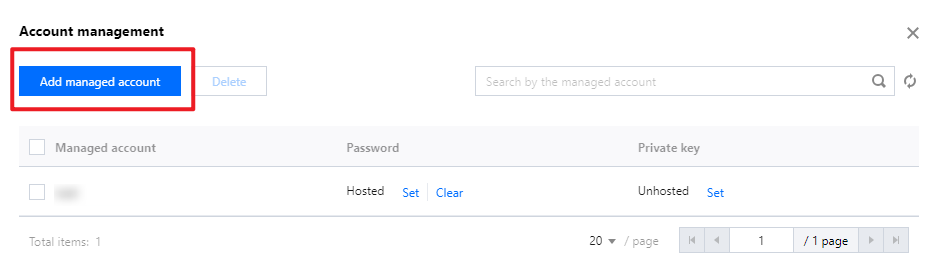
4. In the Account Management window, click Add managed account.
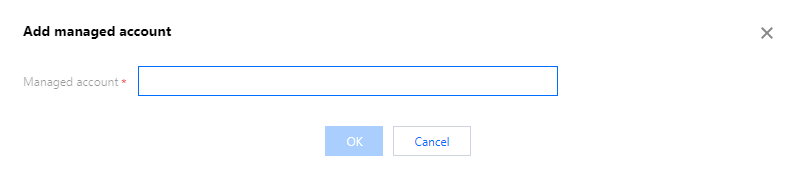
5. In the Add Asset Account window, configure the account name and click OK to save.
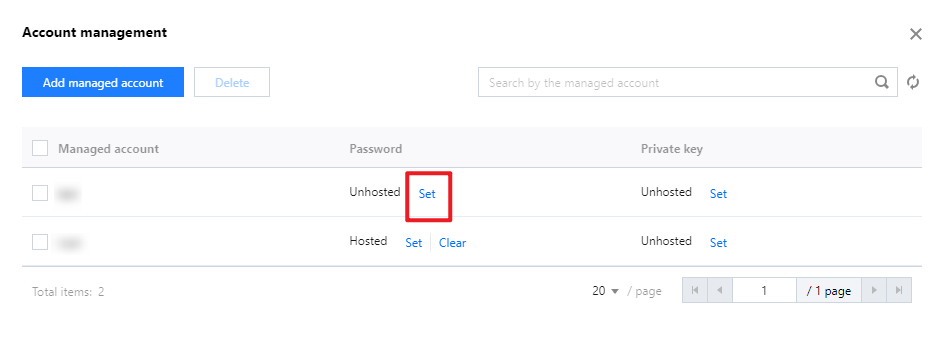
6. In the Add Host Account window, the newly added account has no password set. Click Set for the corresponding account, and the Set Password window will pop up.
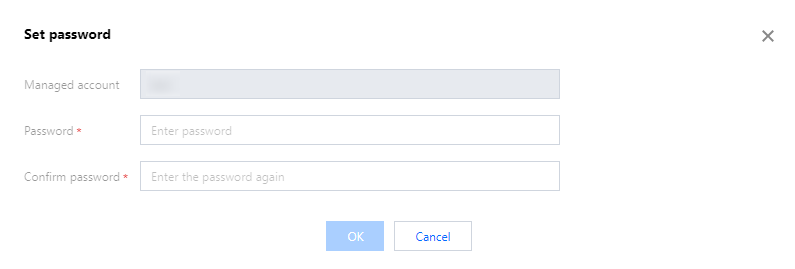
7. In the Set Password window, enter the password information.
Note
For Linux hosts, you can also set a private key. See the password setting procedure for guidance.