After creating an asset group, you can add assets to the asset group based on business needs, departments, and other factors for group management. Below is a detailed instruction on how to add assets to an asset group.
2. In the left sidebar, choose Asset Mgmt > Asset group.
3. On the Asset group page, select the target asset group to which you want to add assets, then click Add assets.
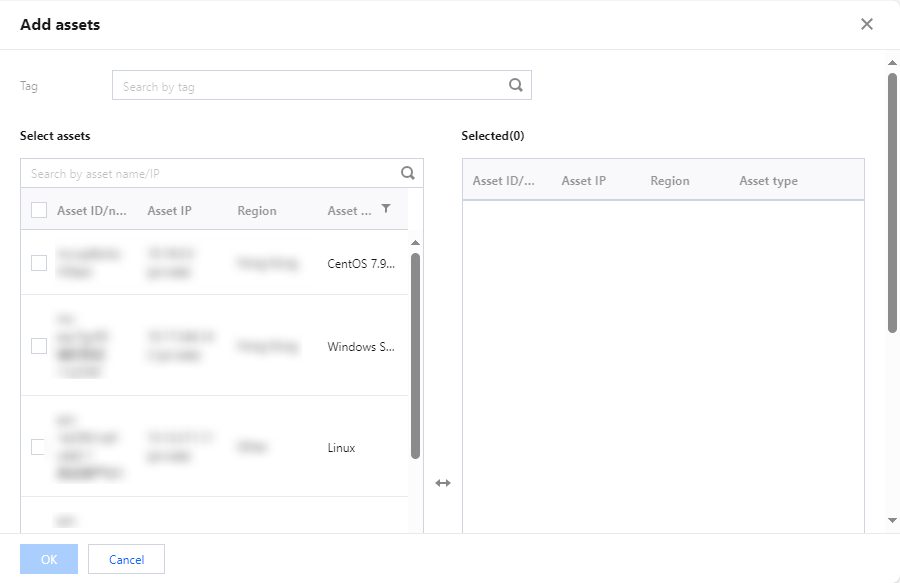
4. In the Add assets popup, you can filter and search for assets based on the asset's department or asset tags.
5. In the asset list, locate the assets you want to add to the asset group, and select one or more assets by checking the checkbox or clicking the Asset ID/name.
6. After selecting the assets, click OK to add the selected assets to the asset group.