
Resetting a User

Last updated: 2025-04-18 10:43:34
Overview
If a user forgets the password for the BH or is locked out after exceeding the allowed number of failed login attempts, the user can be reset.
Note
After resetting the user password, the user should reactivate their account and set a new password themselves. For details, see First Login of Ops Engineer.
Directions
1. Log in to the BH console.
2. In the left sidebar, choose User Mgmt > User.
3. On the user page, select the target user and click Reset.

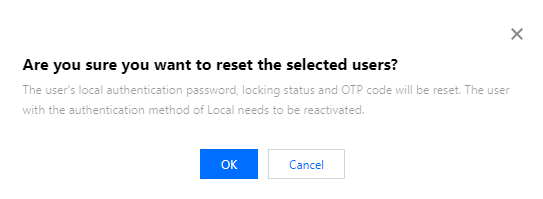
4. In the confirmation pop-up window, click OK to reset the user.
Was this page helpful?
You can also Contact Sales or Submit a Ticket for help.
Yes
No
Feedback