
Templates

Last updated: 2025-04-18 10:58:50
Overview
Templates are collections of rules, and can be configured as the instructions in this document.
Note
Currently, only MySQL databases are supported.
Directions
1. Log in to the BH console.
2. In the left sidebar, choose Permission Mgmt > Database Access Control.
3. On the Database Access Control page, click the Templates tab.
4. On the Templates page, click Create template.
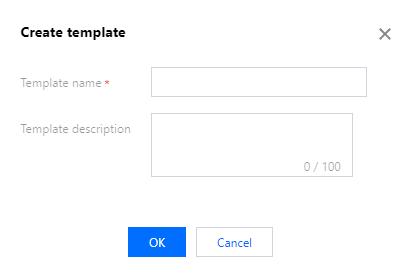
5. In the Create template window, enter the template name and description, and click OK.
6. Select the created template and click Rules in the action column to view the rules associated with the template.

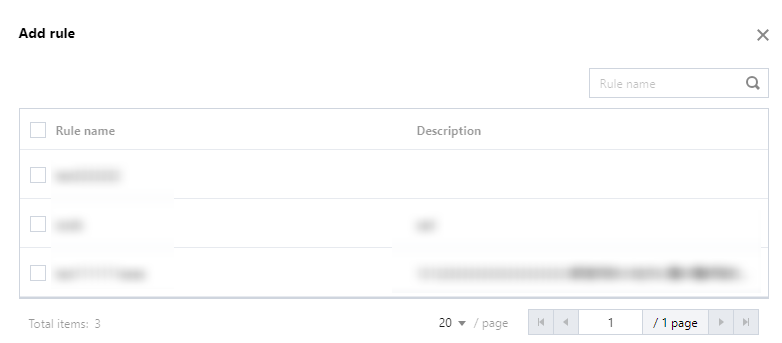
7. On the Rules page, click Add rule to add associated rules, then click OK to save the changes.
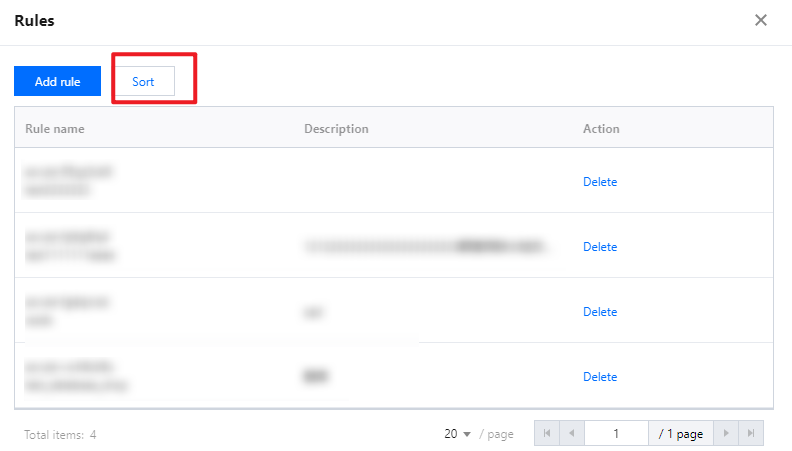
8. On the Rules page, click Sort, then drag the rules using the 
9. After creating the template, you need to associate it with access permissions on the access permission configuration page.
10. Click Edit in the action column of the access permission to be associated, and associate the template in Step 5 (you need to switch to Database Access Control to enable the association).
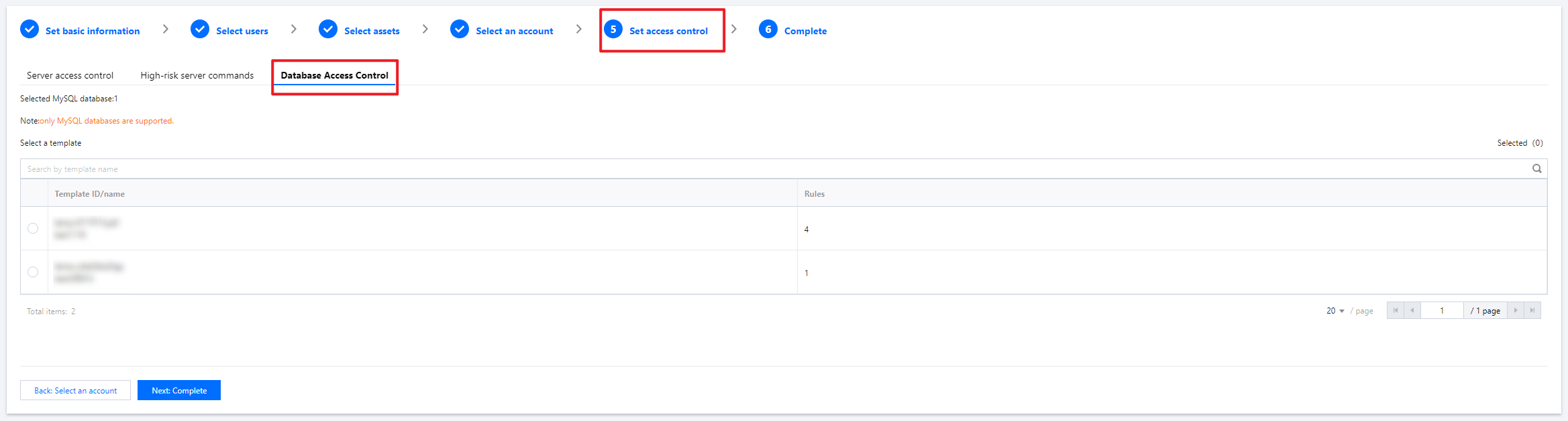
11. After completing the association, click Next: Confirm and then Submit to save the access permission configuration.
Was this page helpful?
You can also Contact Sales or Submit a Ticket for help.
Yes
No
Feedback