When Ops personnel perform file transfer operations on hosts through the BH, corresponding historical session records will be generated. Administrators can use the session audit feature to check for any non-compliant operations performed by the Ops personnel.
Note
A file transfer session refers to a session generated when Ops personnel access a Linux server using the SFTP protocol.
2. In the left sidebar, choose Cloud Audit >Session Records.
3. On the Session Records page, click the File Transfer Session tab.
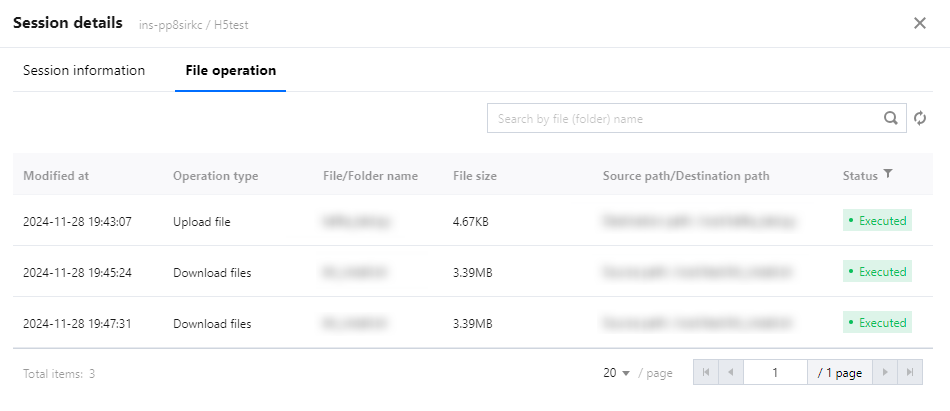
4. On the file transfer session page, click Details on the right side of the corresponding session to view the session details.
5. On the Session details page, you can view the user's file transfer operations, including the operation type, file (or folder) name, file size, and file path information.