
Authorizing the Role for Asset Synchronization

Last updated: 2025-04-18 10:58:58
Overview
Asset synchronization requires prior role authorization. Below is a detailed instruction on how to authorize roles for asset synchronization.
Prerequisites
The role authorization for asset synchronization has not been completed.
Directions
1. Log in to the BH console.
2. In the left sidebar, choose System Settings > Asset auto sync.
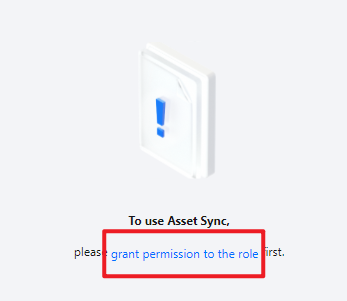
3. On the Asset auto sync page, click Grant Permission to the role to navigate to the Service Authorization page.
4. On the Service Authorization page, click Agree to Authorize to complete the role authorization.
Was this page helpful?
You can also Contact Sales or Submit a Ticket for help.
Yes
No
Feedback