
Ops Tickets

Last updated: 2025-04-18 11:11:08
Overview
Ops tickets allow users to request access to specific resources by submitting a ticket.
Prerequisites
The administrator has informed the Ops personnel of the login address.
The administrator has granted host access permissions to the Ops personnel.
The Ops personnel have completed Account Activation.
You have purchased the Professional Edition of the BH or upgraded it to this edition.
Directions
Creating a Ticket
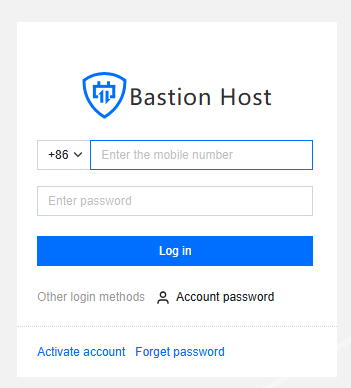
1. Enter the Ops page login address in a browser to open the BH Ops page. Enter your phone number and password to log in to the BH. Alternatively, click Account password to switch to login with account name and password.
2. In the left sidebar, choose My Tickets > Ops Tickets.
3. On the Ops Ticket Management page, click Create ticket to open the New Ops Ticket panel.

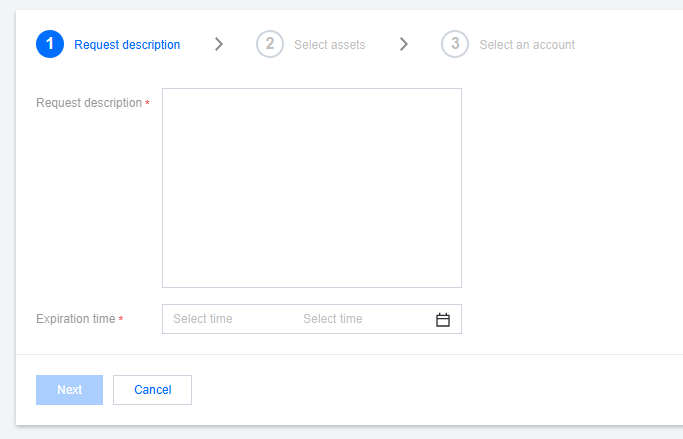
4. In the New Ops Task panel, fill in the application description and validity period, then click Next.
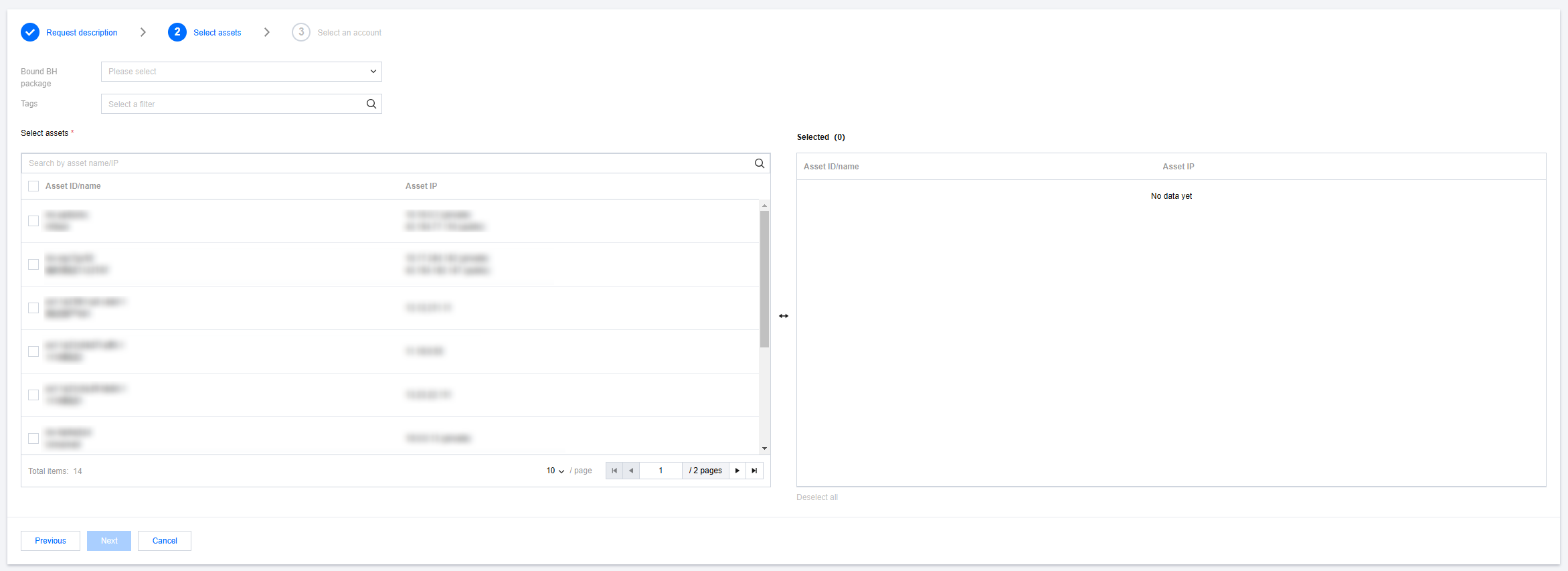
5. Enter the department, select the associated service of the BH, and the asset for which access permission is requested, then click Next.
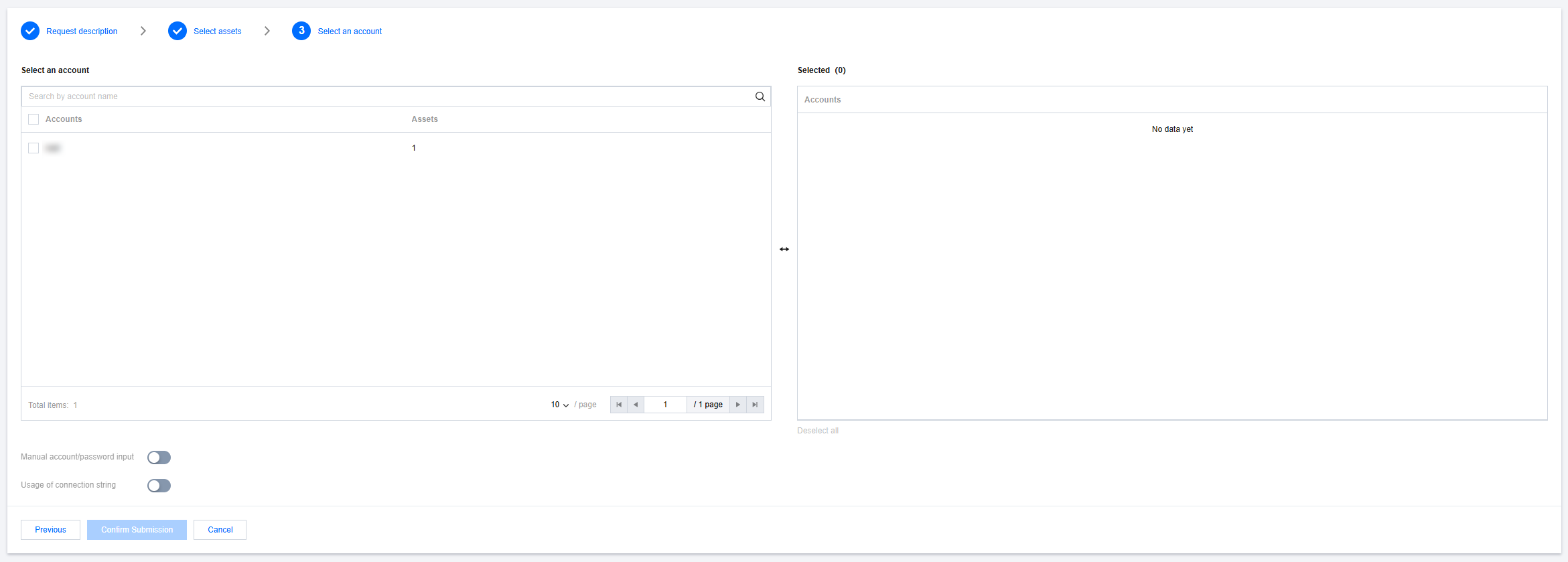
6. Select Apply for an Account, configure whether to enable Manual account/password input and Usage of connection string, then click Confirm Submission to create the Ops ticket.
Note
Application for manual input of account password: When this feature is enabled, if no managed account password is available, Ops personnel can manually enter the account password when logging in to the host via the Ops portal or command line.
Application for connection strings: This feature is primarily intended for Linux and databases. If the toggle is turned off, the Ops portal will not display the connection string entry.
Viewing Ticket Details
You can click the Ticket ID in the list of Ops tickets to view the details of a specific ticket.

Withdrawing an Ops Ticket
You can withdraw a ticket with the status Pending Review by clicking Withdraw in the operation column. After the ticket is withdrawn, its status changes to Draft.
Editing an Ops Ticket
You can edit ticket information with the status Draft or Rejected by clicking Edit in the operation column and resubmitting the ticket.
Deleting an Ops Ticket
You can delete tickets with the status Draft, Approved, Rejected, or Expired by clicking Delete in the operation column.
Note
If the ticket status is Approved, deleting it will also remove the related application details associated with the Ops ticket. Operate with caution.
Was this page helpful?
You can also Contact Sales or Submit a Ticket for help.
Yes
No
Feedback