SLA application scenario: When an SLA rule is triggered, you can also configure alarm contacts to receive alarm messages. PTS can leverage the existing notification channels in your Tencent Cloud account to send you alarm messages when an SLA rule is triggered.
Scheduled performance testing application scenario: When setting up scheduled performance testing, you can bind alarm contacts who will be notified via the channels you select when the performance testing task starts and ends.
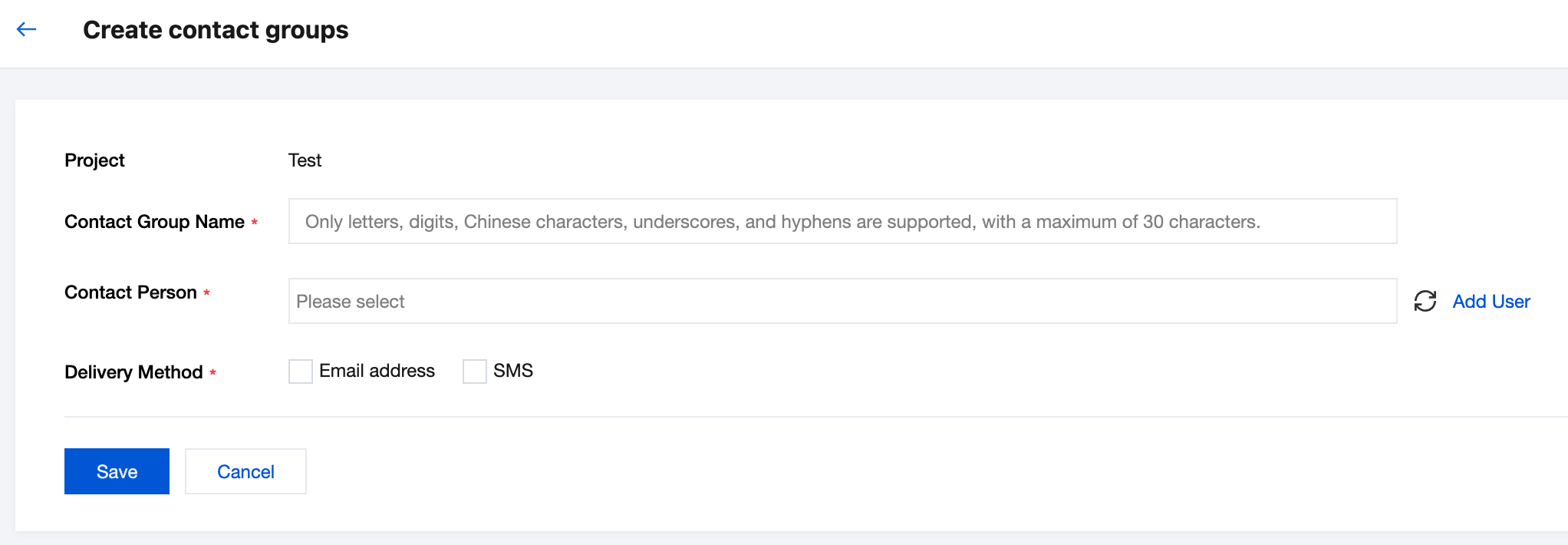
2. Click PTS > Alarm Contact > Add Contact Group in the left sidebar.
3. Customize the contact group name, select the contacts, and choose the notification channels. If the contact list does not meet your requirements, you can click Add New User on the right side and follow Create New Message Recipient to add new contacts.
API callback: Enter the callback address, for example, http://my.service.example.com. The API callback feature allows alarm messages to be pushed via HTTP POST requests to an accessible public network URL. You can use the alarm messages delivered through the API callback to perform further processing.