If there are problems with backend adaptation you cannot fix, please submit a ticket for assistance.
Step 1: Create an HTTP/HTTPS Listener
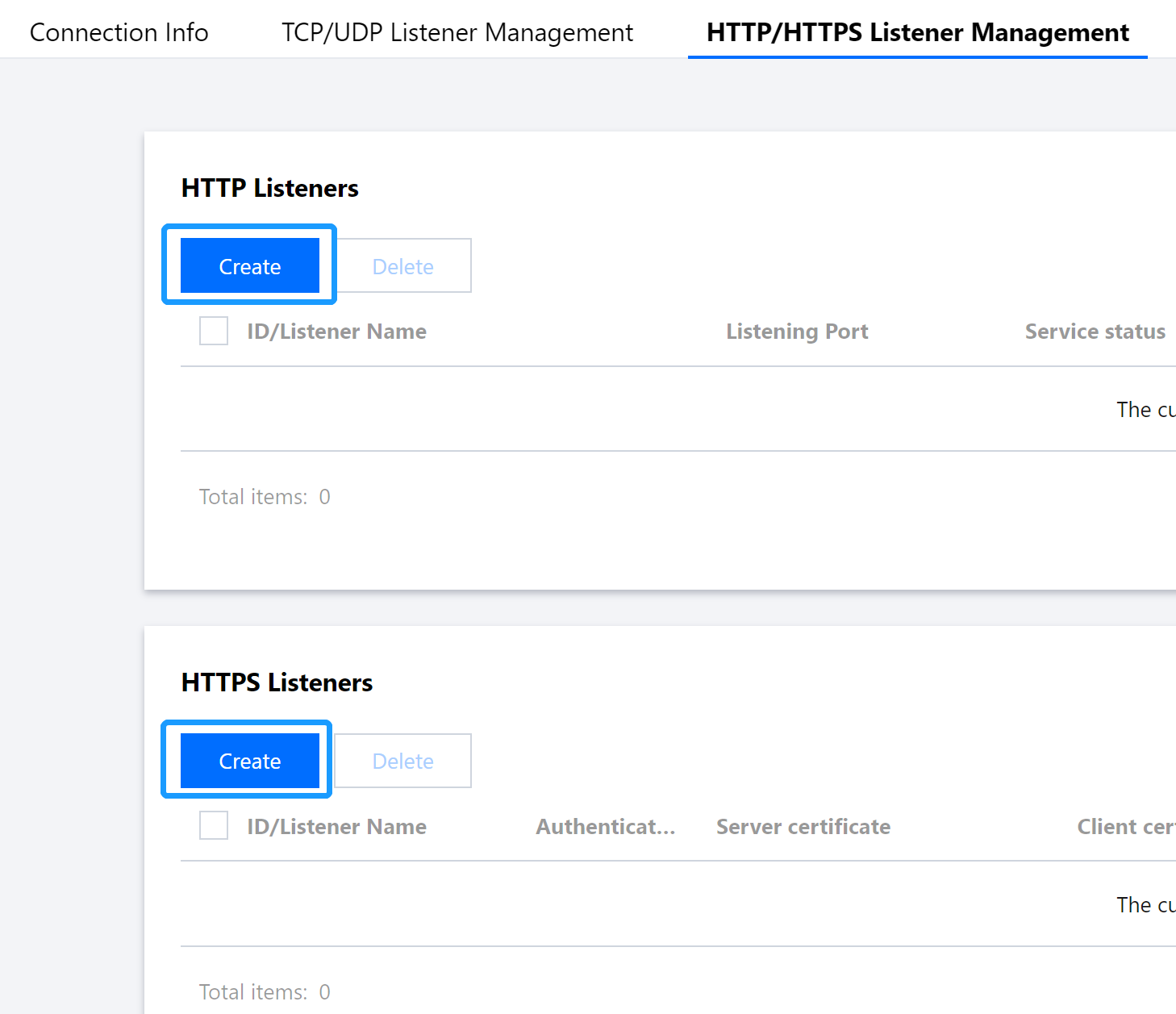
Log in to the GAAP console. Select Access Management > HTTP/HTTPS Listener Management. Click Create to add an HTTP/HTTPS listener, and then complete configurations required to create the listener and connection.
Step 2: Adapt the Backend Server
The following sections describe the X-Forwarded-For configuration schemes for Nginx, IIS 7, and Apache servers.
1. Download and install the F5XForwardedFor plugin module, copy F5XFFHttpModule.dll and F5XFFHttpModule.ini in the x86\\Release or x64\\Release directory based on your server operating system version to a certain directory (such as C:\\F5XForwardedFor in this document), and make sure that the IIS process has read permission to this directory.
2. Select IIS Server and double-click Modules.
3. Click Configure Native Modules.
4. In the pop-up window, click Register.
5. Add the downloaded DLL files.
6. After adding the files, check them and click OK.
7. Add the above two DLL files in "ISAPI and CGI Restrictions" and set the restrictions to "Allow".
8. Restart the IIS server for the configuration to take effect.
Apache configuration scheme
1. Install the Apache "mod_rpaf" module using the following commands:
2. Modify the Apache configuration file /etc/httpd/conf/httpd.conf by adding the following to the end of the file:
LoadModule rpaf_module modules/mod_rpaf-2.0.so
RPAFenable On
RPAFsethostname On
RPAFproxy_ips IP address //The IP address is the forwarding IP of the connection
RPAFheader X-Forwarded-For
3. After adding the above content, restart Apache.
/usr/sbin/apachectl restart
Nginx configuration scheme
1. You can use http_realip_module to get the real client IP when Nginx is used as the server. However, this module is not installed in Nginx by default, and you need to recompile Nginx to add --with-http_realip_module. The code is as follows: